Mizu 1.0, build 1600, Stable

Sixteen hundred.

A whole operating system, written from scratch. It's coming for your Windows.*

*It isn't. But it shows off as best it can 😎

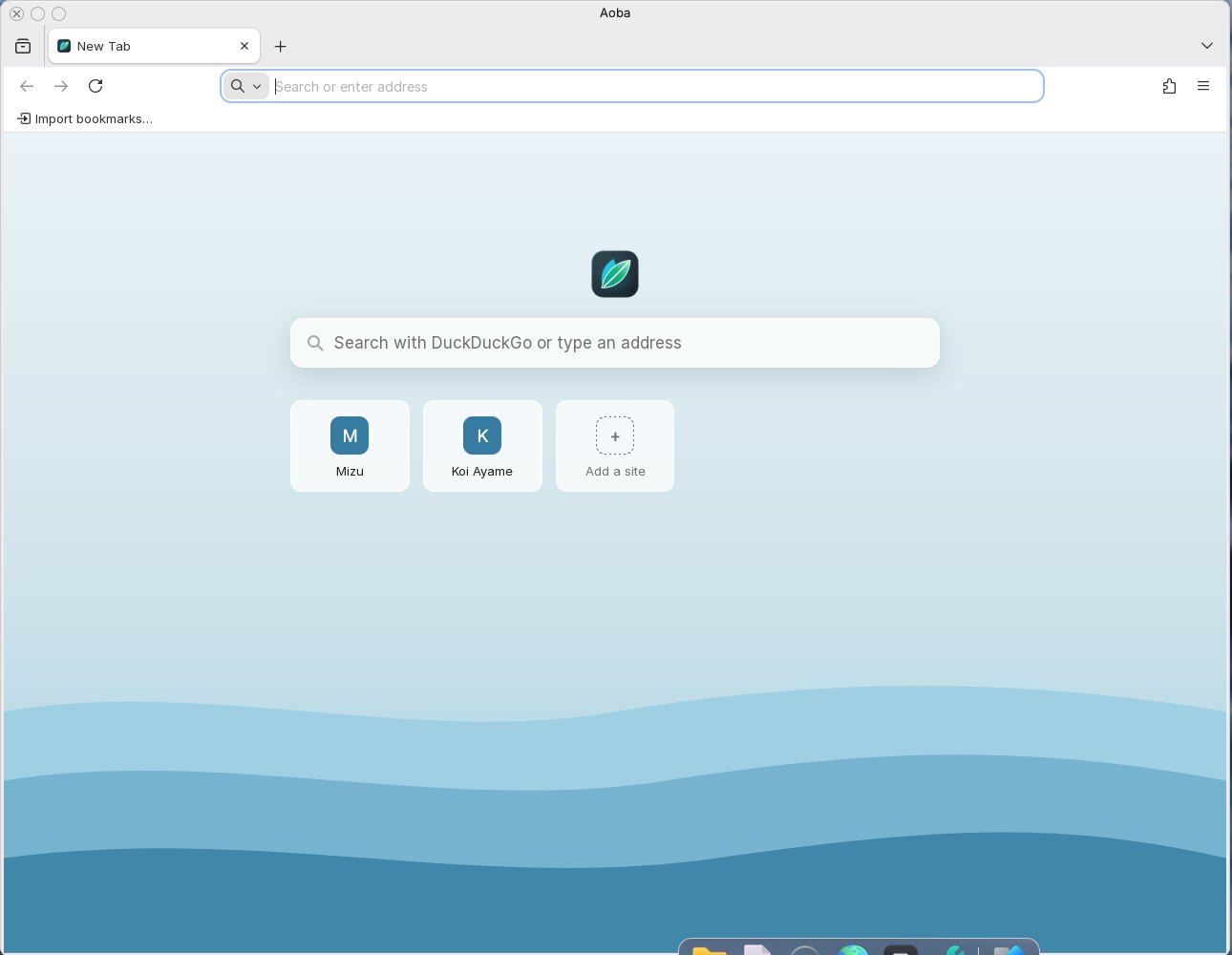
The Mizu desktop with Aoba, the web browser, open

水 (mizu) means water.

Built from the ground up.
The kernel, the file system, the desktop, the apps: all its own.

1 600 builds
Day 246 since the first line, 22 March 2026
228 000 lines of its own C
6 languages

The story

How it got here.
One project, under three names.

  1. TestOS

    A toy in UEFI. The first line.

  2. Its own layer over the firmware

    And file system fixes: where it stopped being a toy.

  3. Koi-DOS

    The same project, a new name.

  4. Mizu

    Its own repository: a desktop for Koi-DOS, which became the system.

  5. Two system slots

    Updates that roll back by themselves.

  6. The sign-in screen

    Accounts, passwords and PINs.

  7. The App Store

    Signed packages, checked before anything is unpacked.

  8. Who runs what

    The kernel knows which account each program runs as.

  9. Kawa

    Linux programs run on Mizu, as they were built.

  10. Kasumi

    The look the desktop wears today.

  11. The RTX 3070 driver

    In the works: the graphics card's own firmware starts, so far inside a virtual machine.

  12. Wi-Fi

    Its own driver for a laptop's Intel card, in the works: it hears the networks around it.

  13. An administrator's yes

    Programs run without an administrator's rights until someone allows them.

  14. The security build

    A round number, so we made it a serious one.

  15. Aoba

    A real web browser. Built from Firefox's source, so the internet works the way the internet expects.

  16. Stable

    The first build we're calling Stable. With a straight face, mostly.

Since build 1000

Locked, then locked again.

An administrator's yes

Programs run without an administrator's rights until someone allows them, on the sign-in service's own screen.

Copied, then used

The kernel copies what programs hand it before using it.

Never both

The system's own programs and libraries ask for no memory that is both writable and runnable.

Disks checked

Partition tables are validated before a disk is trusted.

Somewhere random

Programs, their libraries and what they draw in land at random places in memory, a new place every start.

Each account's own

Keys go to the program in front, the clipboard to the account that copied, and Ctrl+Alt+Del to the system alone.

Advisories and reporting

Kernel MX 27

Its own kernel.
On every core.

MX 27 boots on real UEFI PCs and puts every processor to work. Programs run in their own address spaces, a mistake in one stops that one alone, and the desktop keeps drawing while a disk works.

x86-64 UEFI, from USB stick or disk
SMP all processors, one scheduler
Isolated every program in its own space
A / B two system slots, updates that roll back

KFS

A file system
that keeps its word.

KFS journals every change, so after a power cut the disk comes back in one piece*. Changes gather in memory and reach the disk together, small files are made in a fraction of a millisecond, and SSDs are told which space is free.

2 500* power cuts in the middle of writing, on purpose, in our tests. 0* damaged volumes after them.

* Measured in our power-cut simulator. KFS is still being developed: new features bring new bugs, and independent code reviews** find them before they reach a release. Real disks differ, so keep copies of what matters, and a desktop PC is better off with a UPS.
** Claude (code review).

Speed

Fast.
And faster every week.

The same 2011 laptop, the same SATA SSD. Only Mizu changed.

18× faster to start Claude Code

Claude Code starts

before
3.5 s
now
0.19 s

Look up a file (stat)

before
95 µs
now
8 µs

Open and close a file

before
110 µs
now
14 µs

Make a small file

before
5.8 ms
now
0.6 ms
176 system calls of its own
16 programs and 5 fonts in the App Store
2 looks: Kasumi and Retro

Desktop

Feels like home
from the first click.

Windows you drag and resize, a launcher that knows every program, a dock, notifications, a battery that tells you the truth. The Kasumi look is calm and clear, in light and in dark. And for the old school, Retro brings back the Start menu and the taskbar.

The Mizu desktop with the app search open
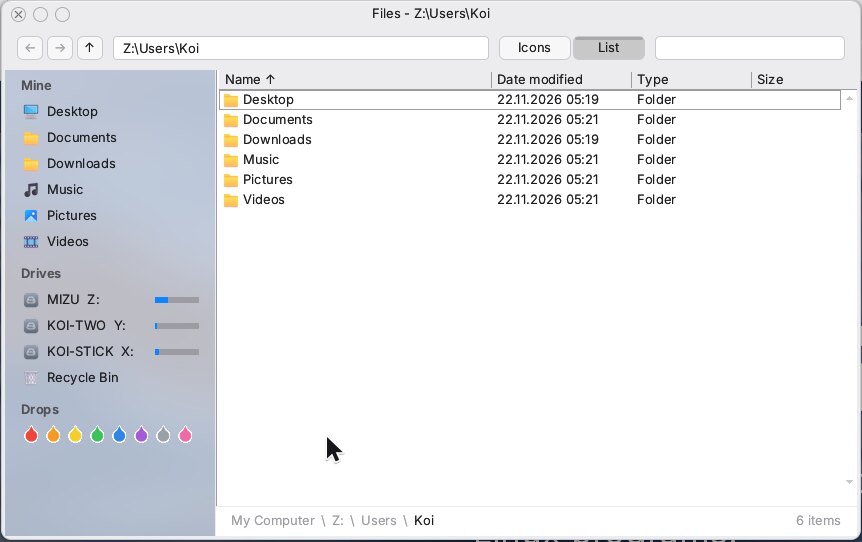
Files showing your folders and drives
Files
Aoba, the web browser, on a new tab
Aoba, the browser
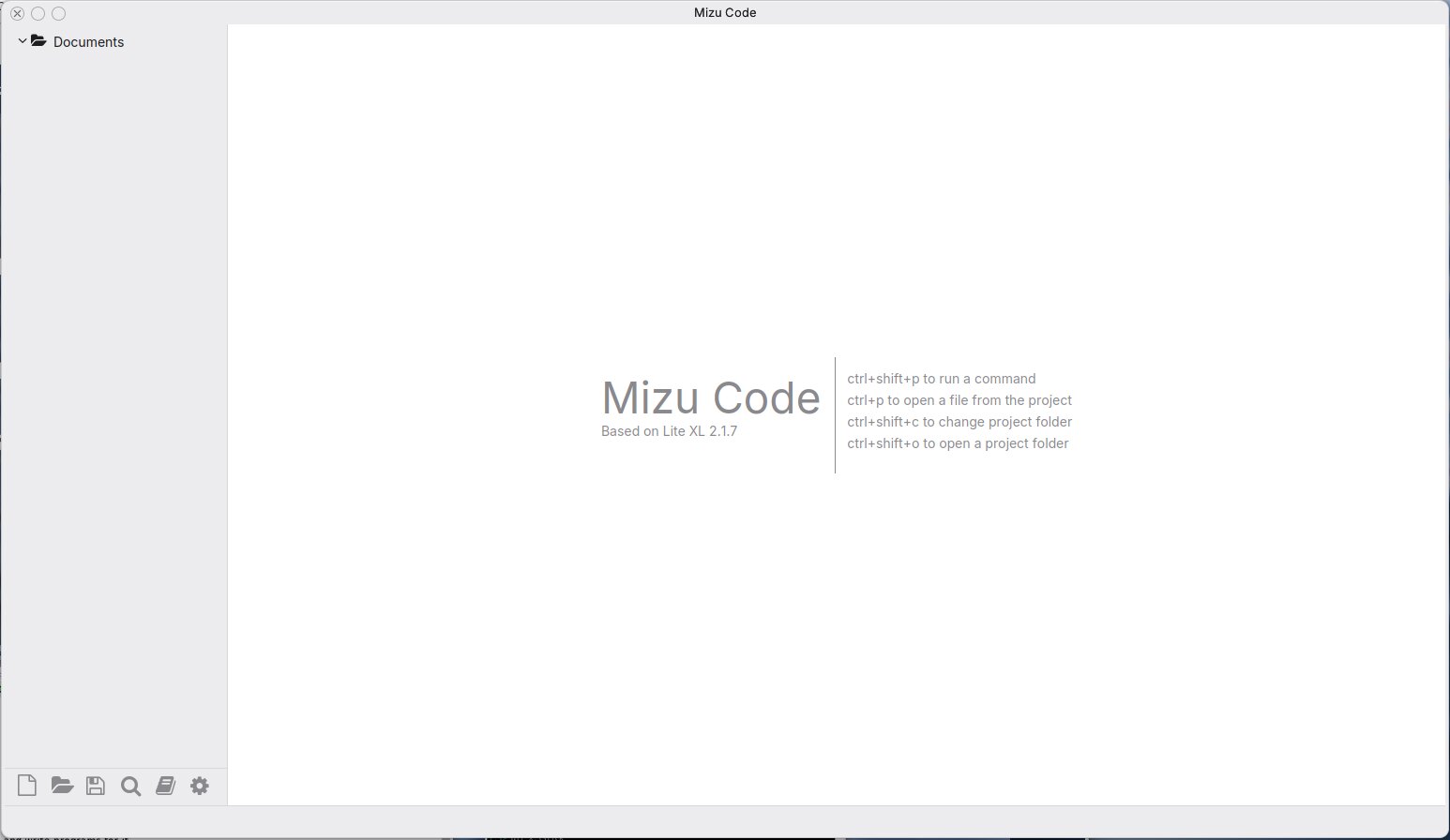
Mizu Code, the code editor
Mizu Code
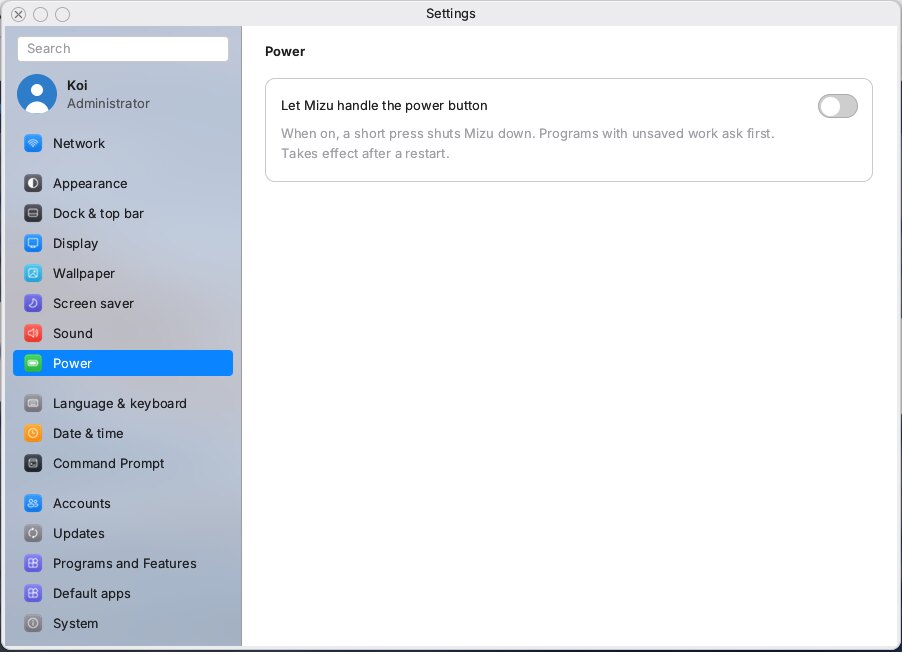
Settings, on the Power page
Settings
Linux programs running in the Command Prompt with Kawa

Kawa

Linux programs,
as they were built.

Kawa, the Mizu Subsystem for Linux, runs Linux programs without changing them. Turn it on in Programs and Features, bring in Alpine Linux with one command and install what you need with apk: bash, git, tmux, compilers, even Claude Code.

kawa --install alpine
kawa apk add bash tmux git
kawa bash

Apps

Everything for
a day at the computer.

Aoba for the web, a music and video player, a Telegram client, a code editor, a paint program, a calculator, card games and, for balance, DOOM and Quake. The App Store brings the rest, signed and checked before anything is unpacked.

The App Store, listing programs to install

Setup

From stick to desktop
in minutes.

  1. 1

    Write the stick

    Download the image and write it with Rufus (DD mode) or balenaEtcher. In a virtual machine, unzip the .iso and start it as a CD instead.

  2. 2

    Start from it

    Pick the stick in your PC's boot menu. Secure Boot off.

  3. 3

    Try or install

    Try it from the stick, or install it: the whole disk, or the free space beside Windows or Linux. Tick Aoba and the browser comes along. Mizu puts itself in the boot menu.

  4. 4

    Four questions

    On the first start from the disk: you, sign-in, region, a look. Then it is yours.

Check the download: openssl dgst -sha256 -verify mizu-release.pem -signature SHA256SUMS.sig SHA256SUMS says Verified OK, then sha256sum -c SHA256SUMS --ignore-missing. The key's SHA-256 is 73bcd851436d9836096cdf01101e59af62a320490222002c6b3aca0d2856e5a1. On Windows, certutil -hashfile FILE SHA256 checks the sum only; the signature needs openssl (Git for Windows has it).

Welcome to Mizu, the first screen after installing

In detail.

Kernel

MX 27, x86-64, multiprocessor, written in C. Grew out of Koi-DOS and has since been largely rewritten.

Starts on

64-bit UEFI PCs, from a 2011 laptop to today's, from a USB stick or an internal SATA or NVMe disk.

File systems

KFS with a journal; FAT32 for sticks and the EFI partition; SquashFS for the system image.

Updates

Signed, in two slots: a new system that does not start falls back by itself. Stable, Preview and Alpha channels.

Accounts

Administrators and standard users, PINs or passwords, file permissions, a prompt before system changes.

Languages

English, Ukrainian, Russian, Polish, Czech and Greek, with more on the way.

Linux

Kawa runs unmodified x86-64 Linux programs: musl and glibc, threads, sockets, terminals, tmux.

Licence

Mizu itself is MIT: free, with the source open to read, build and change. Third-party programs and parts keep their own licences (NetSurf, DOOM, Quake, Heretic and DOSBox are GPL): see the list.

Try Mizu.

It runs from a USB stick, so your computer stays exactly as it is until you decide otherwise.
Your Windows is safe.*

*For now 😎

Built, checked, re-checked and only then published by Koi Ayame and Claude